Documentation
Everything you need to know about FLOGVIT.photosuite.
Start here
Start
Install it, get a licence, and bring what you already have.
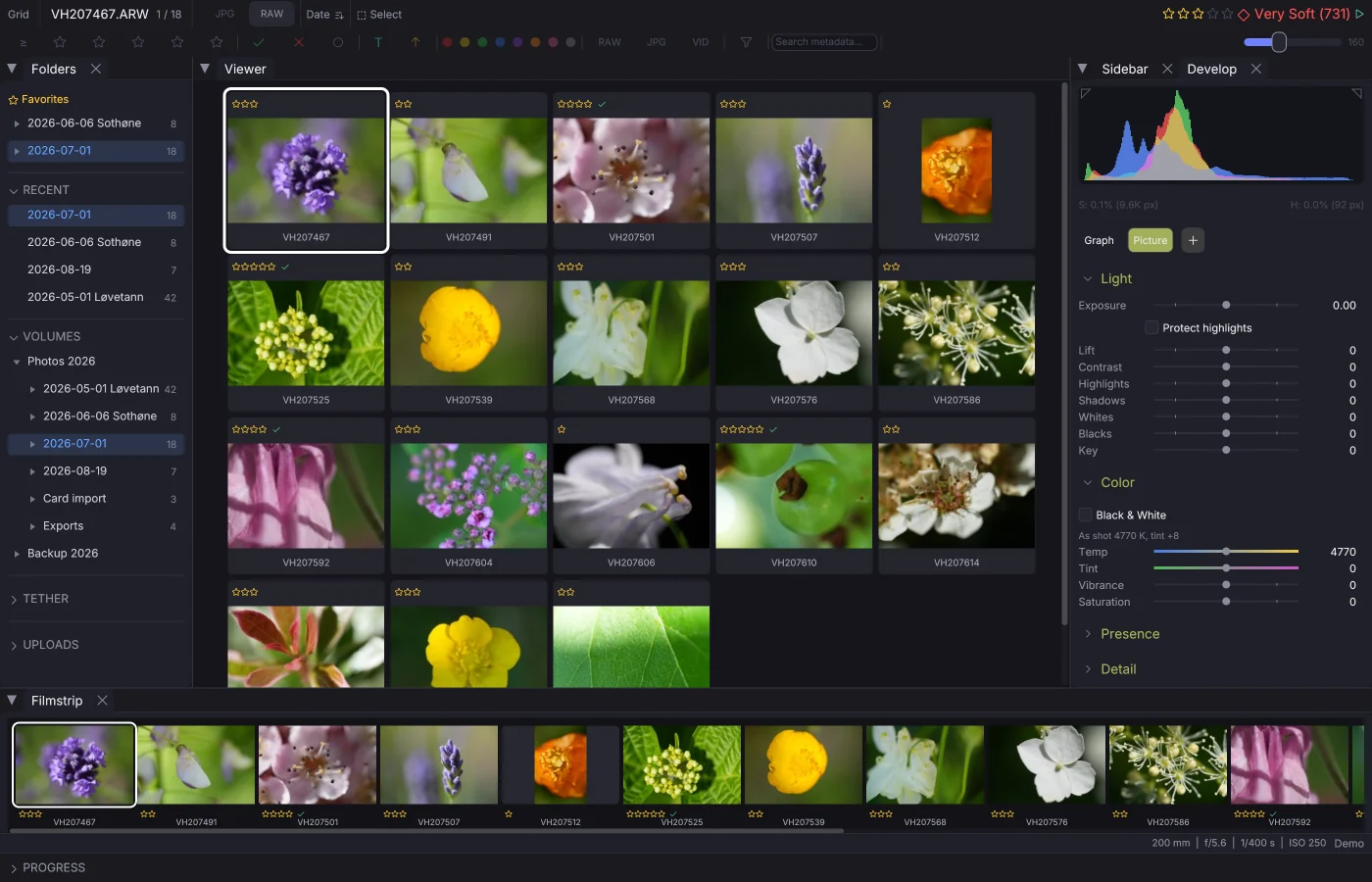
Getting Started
Install FLOGVIT.photosuite, open your first folder, and start culling.
System Requirements
What the app runs on: Apple Silicon Macs and 64-bit Windows.
License & Beta
Get the free beta license, activate the app, extend it, and keep it up to date.
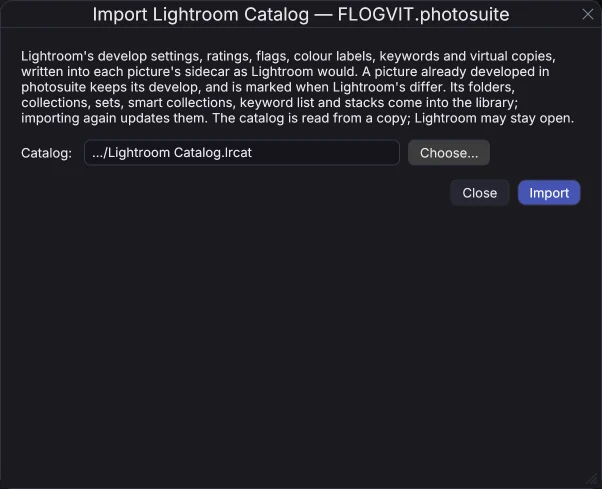
Coming from Lightroom
Bring your Lightroom edits, ratings, keywords and virtual copies along: from the catalog or the XMP sidecars.
File Formats
RAW from every major camera maker, the common image formats, and video.
Undo & Redo
One history for everything you do: crops, auto-crop batches, marks, develop, metadata and copies.
Whole jobs
A whole job from start to finish, as a press or event photographer does it.
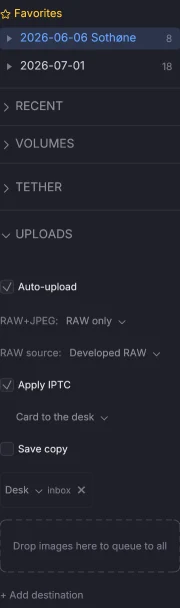
Cull
Go through a shoot fast, and keep the right pictures.
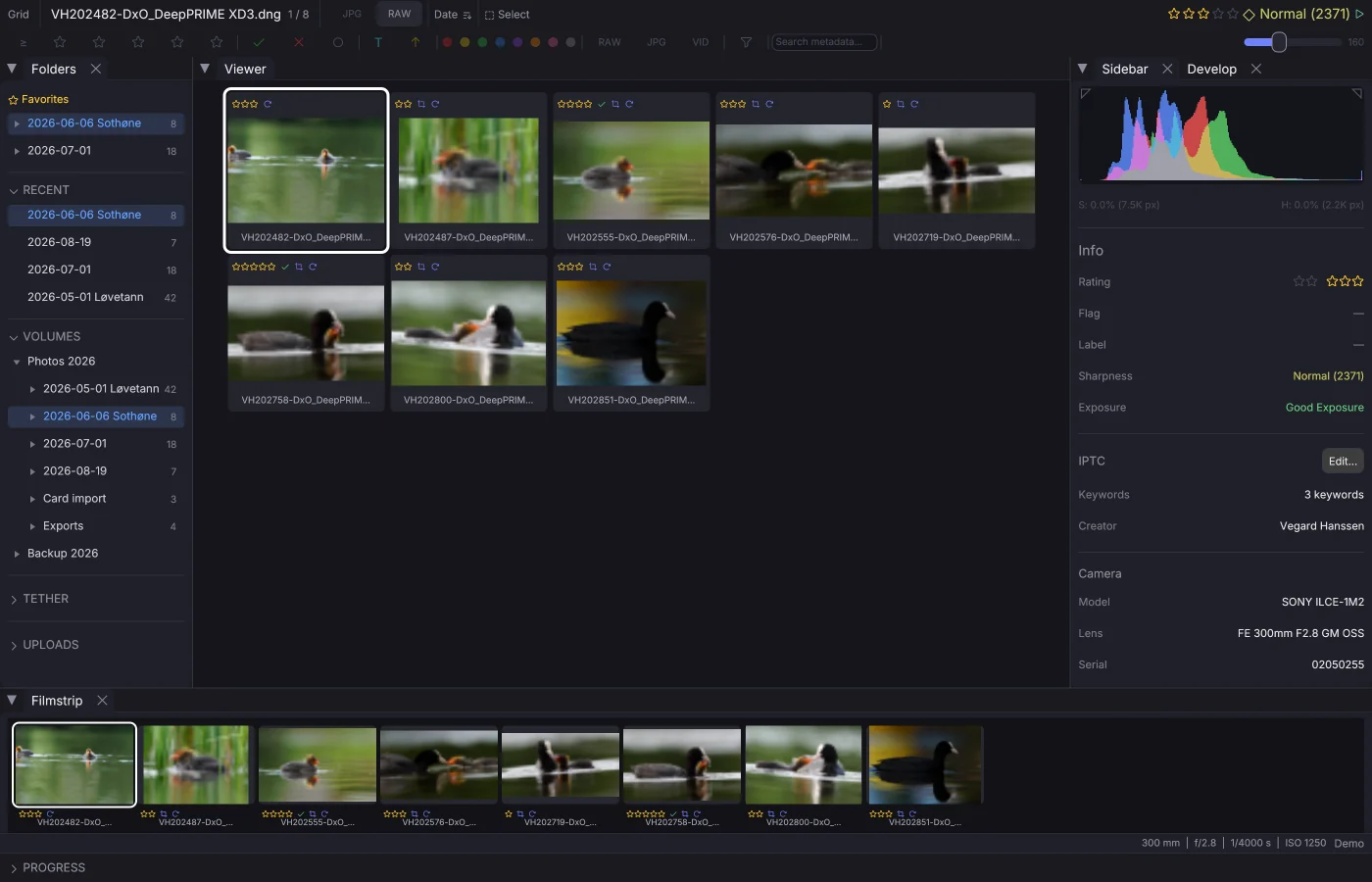
Rating & Culling
Star ratings, pick/reject flags, color labels, and filtering.
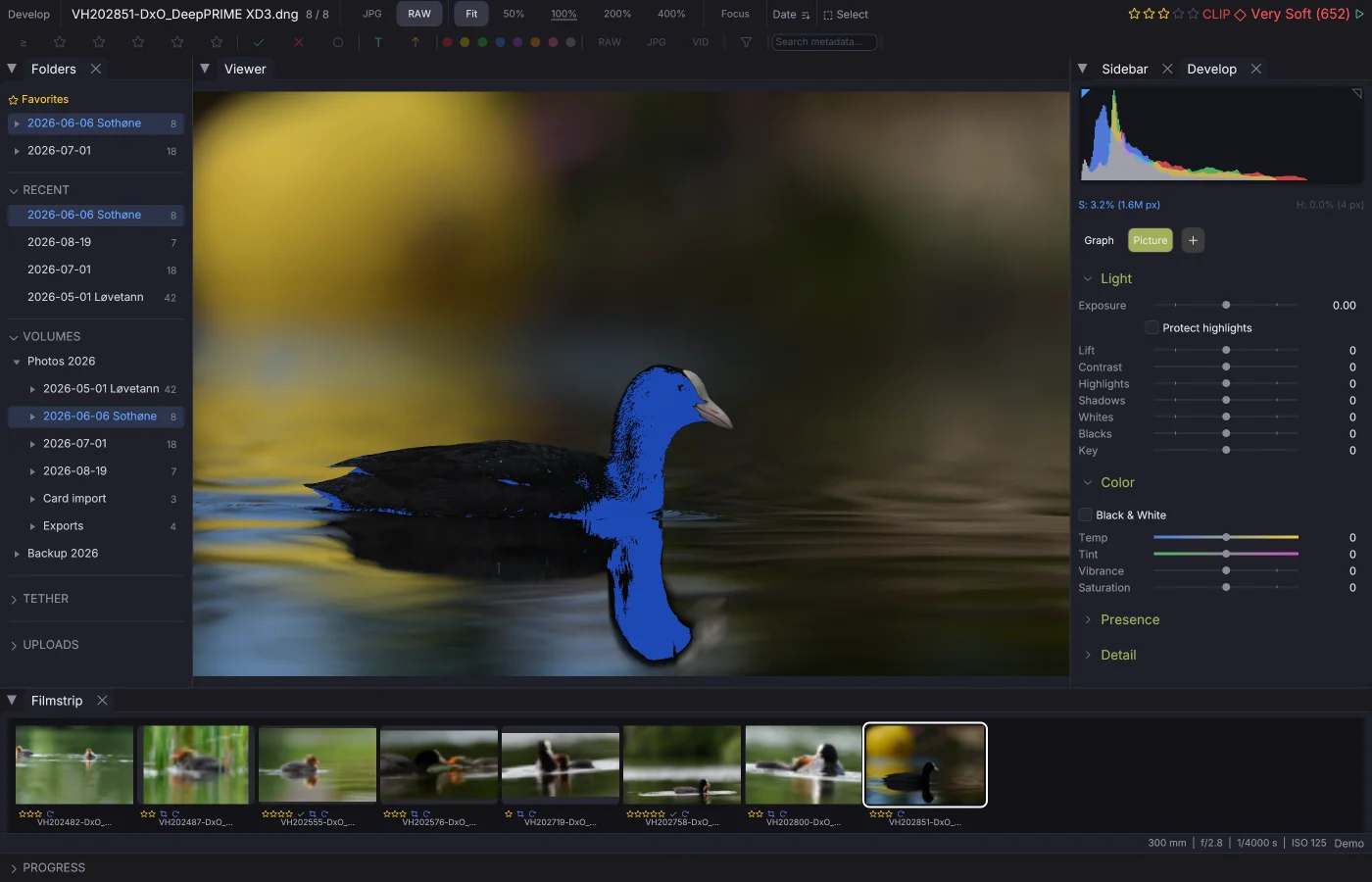
Visualization Tools
Clipping display, histogram, noise map, and focus peaking overlays.
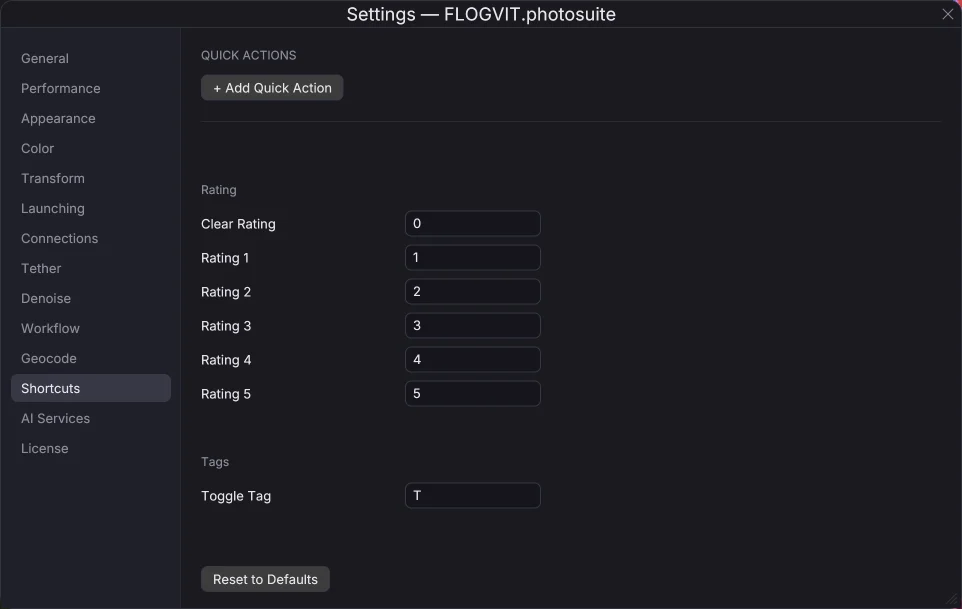
Keyboard Shortcuts
Complete reference for all keyboard shortcuts. Fully customizable.
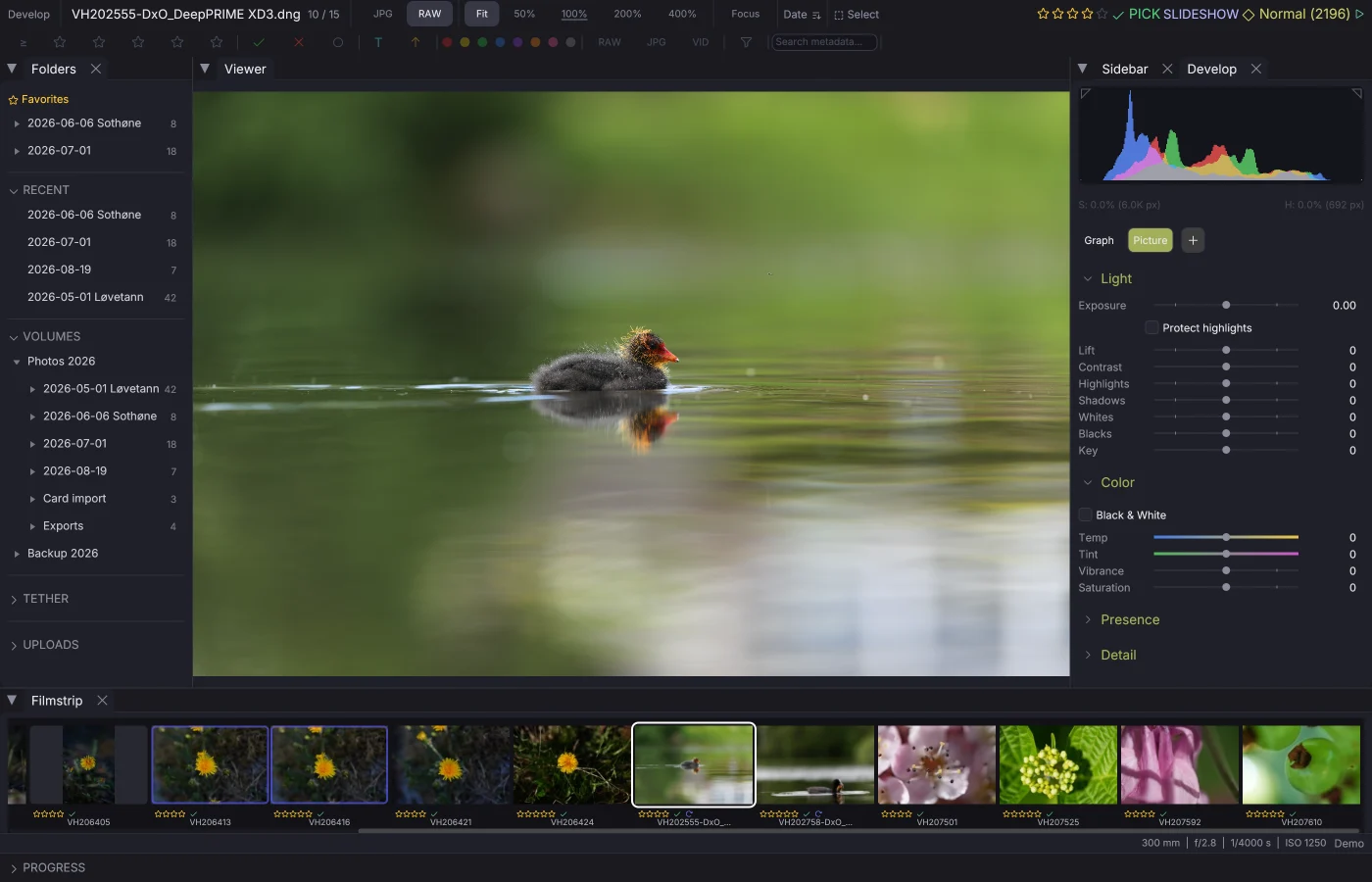
Slideshow
Review images at a set pace — rate, flag, or label as you go.
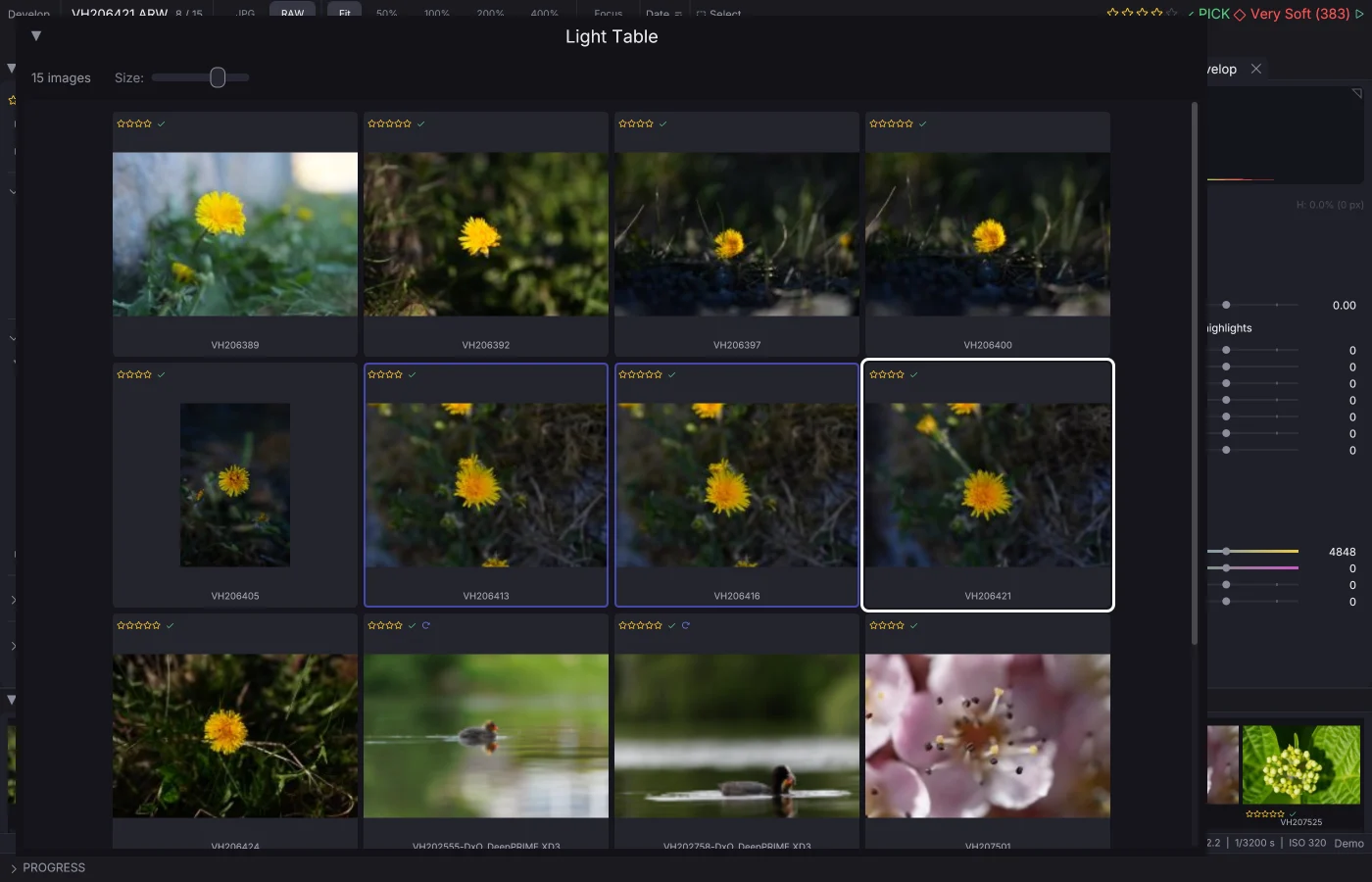
Multi-Monitor
Pop-out panels, dual fullscreen, light table, and second preview window.
Develop
Make the picture: tone, colour, masks and looks.
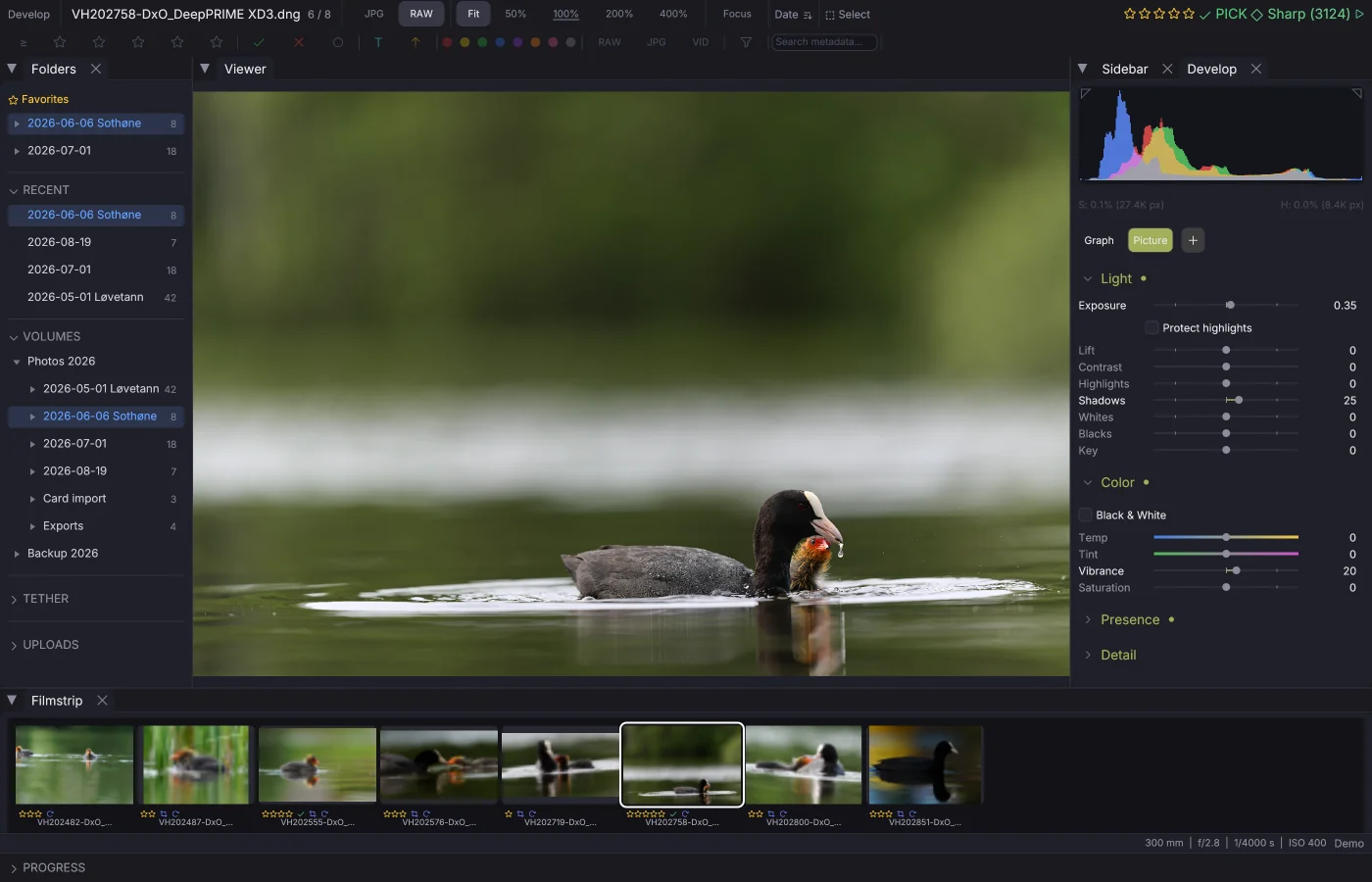
Develop
Exposure, colour, tone curve, the eight-zone mixer, detail and effects — all non-destructive, all on the GPU.
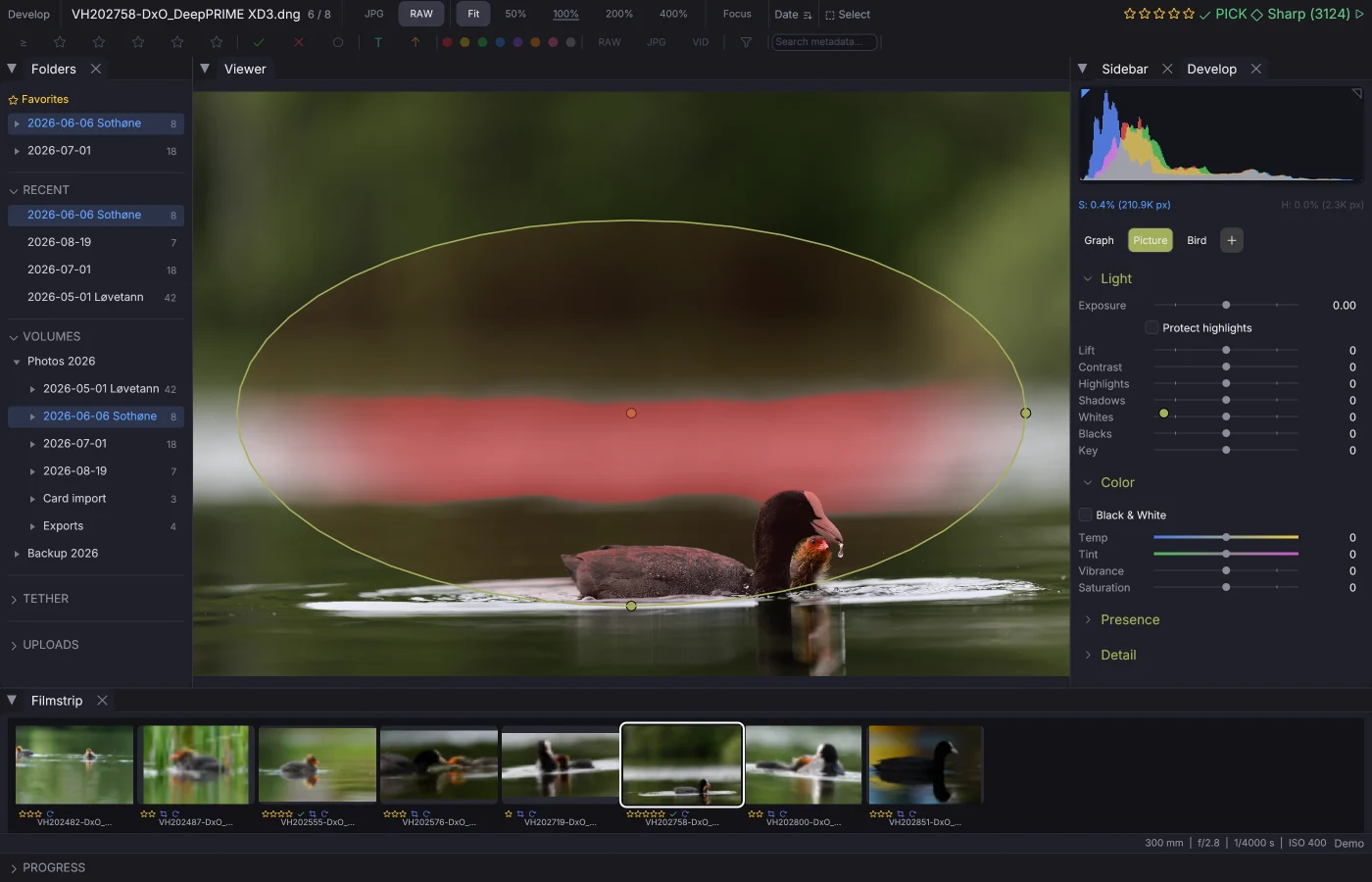
Masks & Local Adjustments
Gradients, ellipses, brushes and ranges, combined with add, subtract and intersect. Subject and sky in one press.
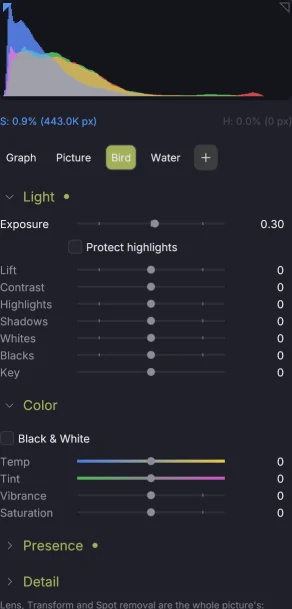
Nodes, Looks & Shot Match
Corrections over the whole picture, side by side or layered, as a graph; looks a whole event follows; one picture matched to another.
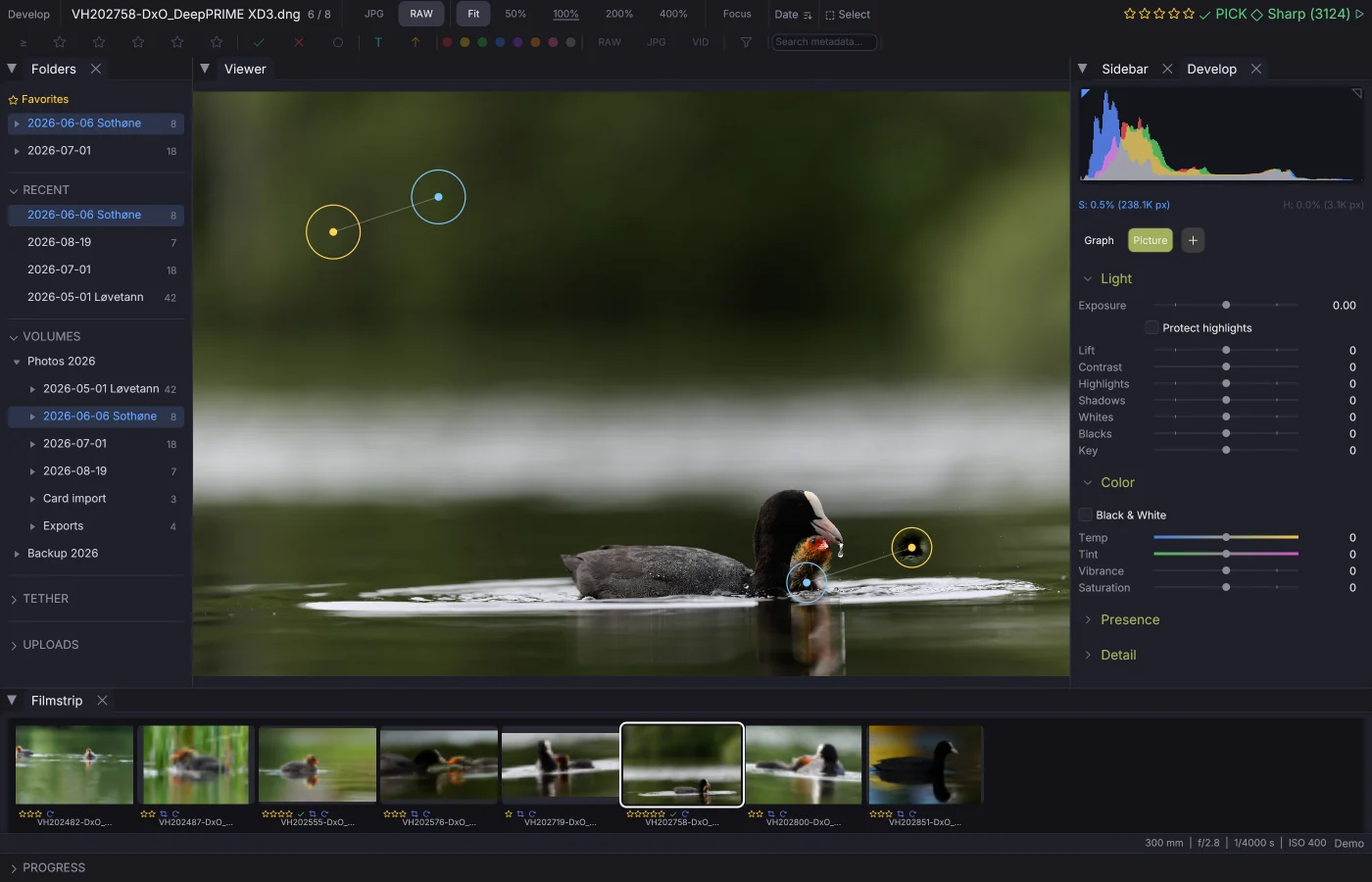
Spot Removal
Dust, a stray hair, a bin in the corner: heal or clone from elsewhere in the same frame.
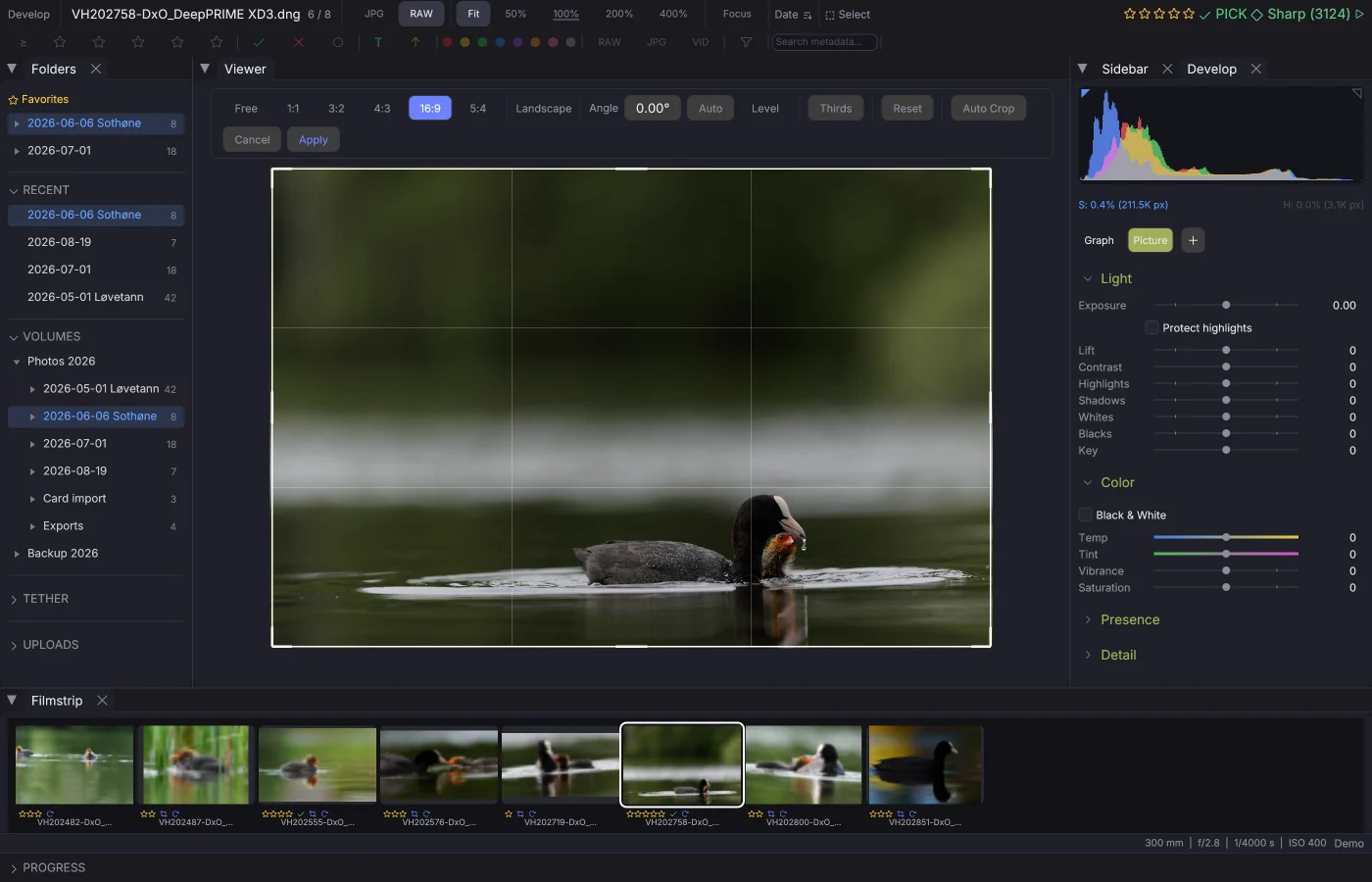
Crop & Transform
Crop, straighten and perspective — non-destructive, stored in XMP sidecar files.
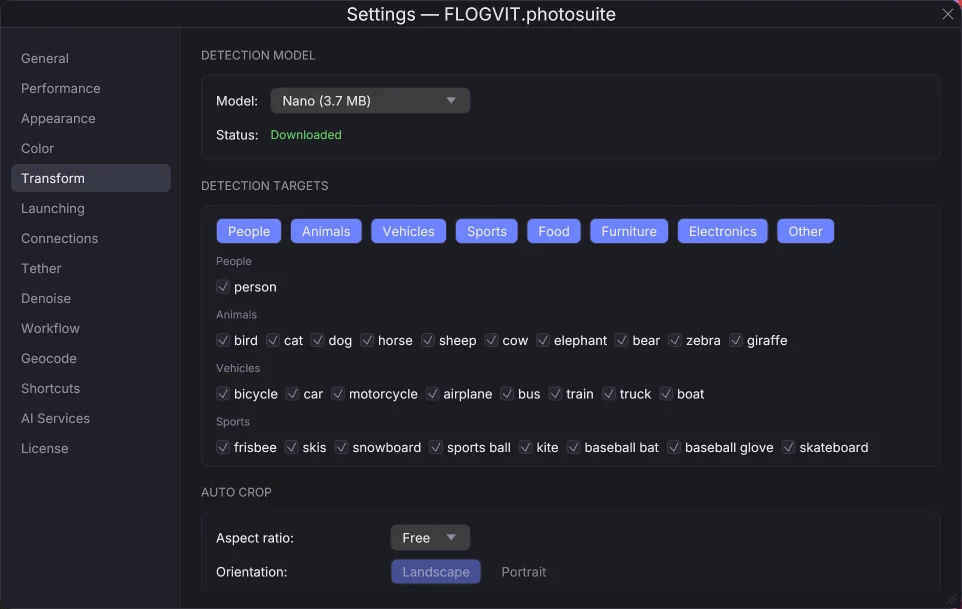
Auto-Crop
Automatically crop around people with a single keystroke or via the API.
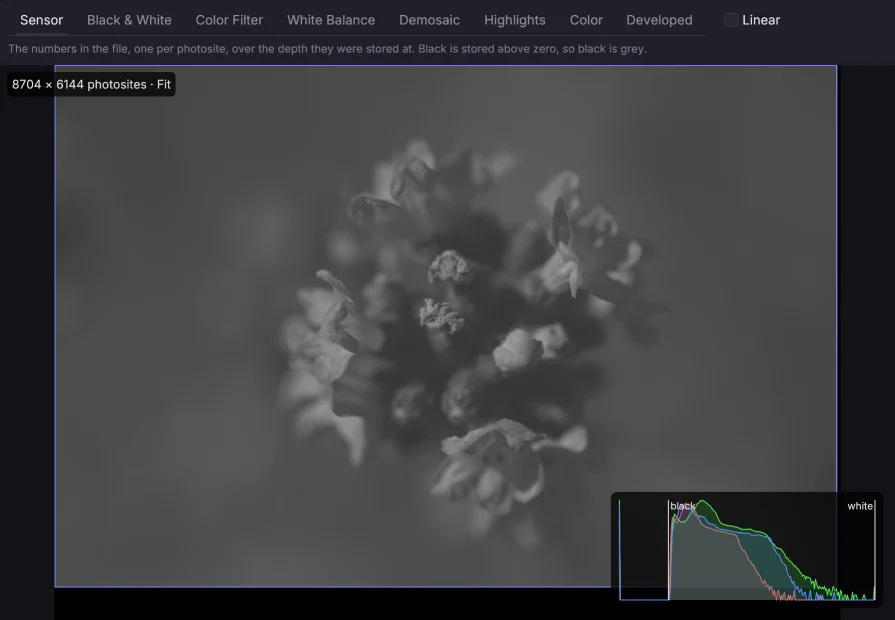
RAW Steps
See a RAW file as the sensor recorded it, and what each step of develop does to it — down to the number in each photosite.
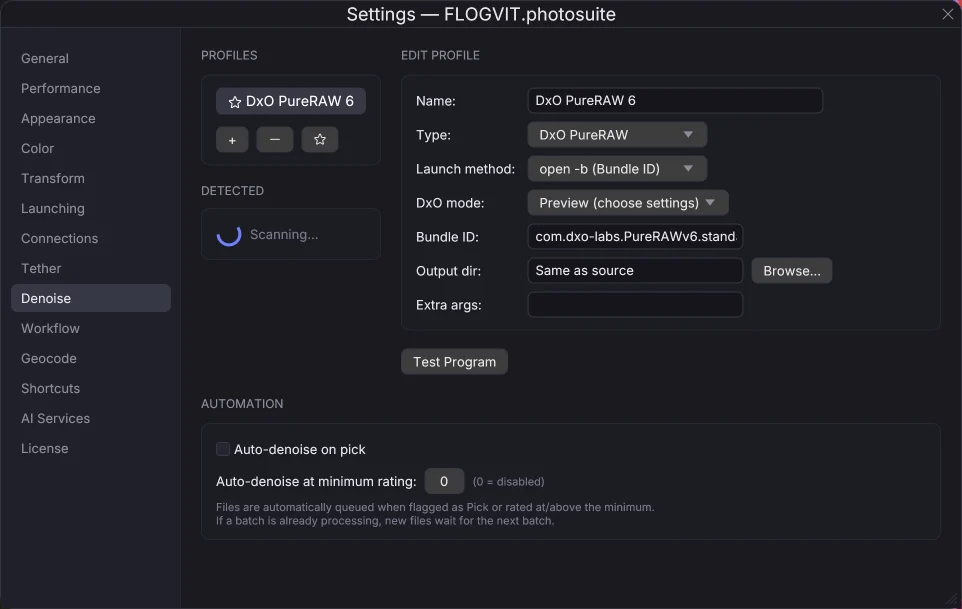
Denoise Integration
Connect to external denoise tools directly from your culling workflow.
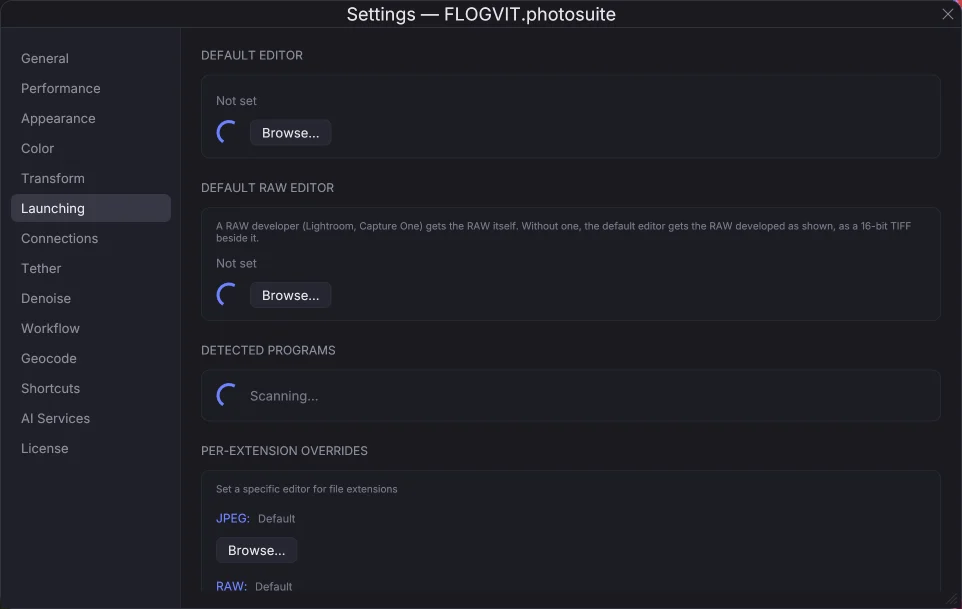
External Editor
Open any image in an external application with a single keystroke.
Organise
Every picture on every disk, named, tagged and found.
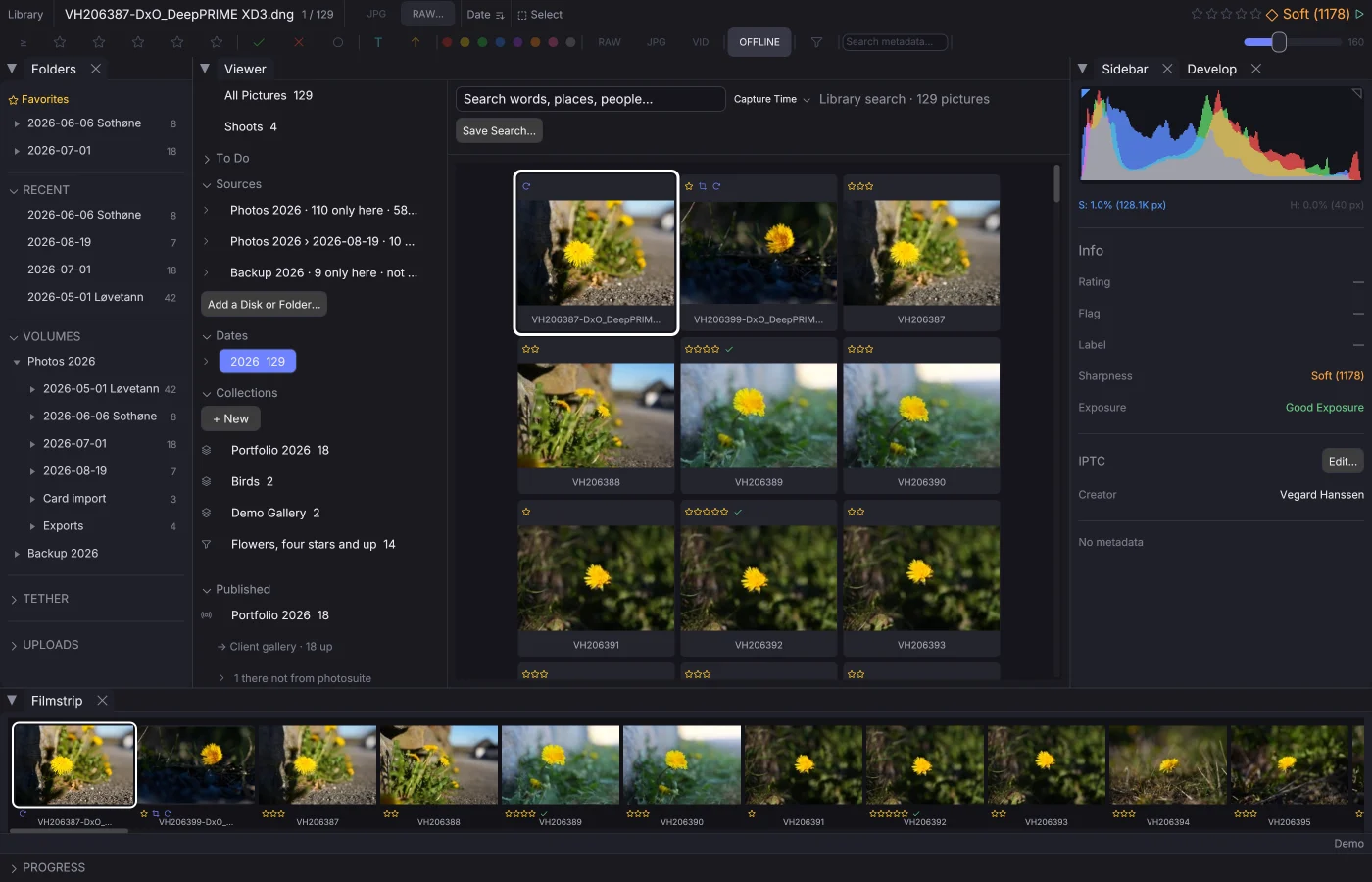
Library
Catalogue every disk, find the same picture wherever it is, and know whether deleting a copy loses anything.
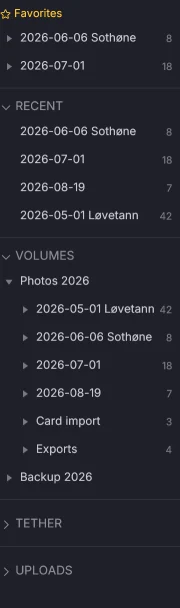
Folders & Navigation
Folder tree, favorites, recent folders, session persistence, and drag-and-drop.
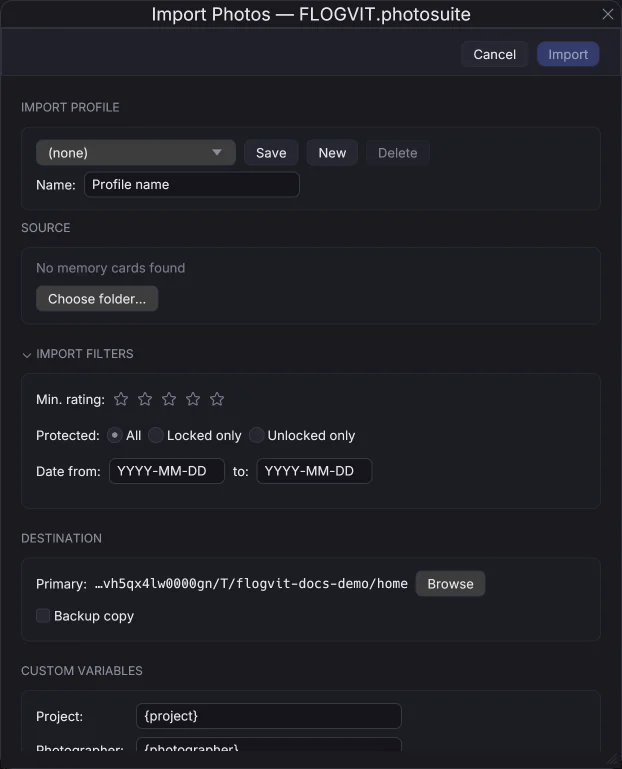
Import Workflow
Import from memory cards with auto-detect, rename templates, and IPTC metadata.
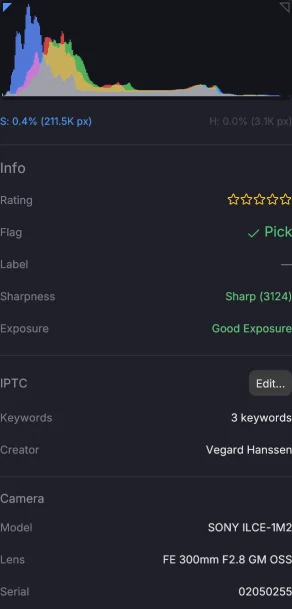
Metadata & IPTC
IPTC editor, hierarchical keywords, GPS tracklog, code replacements, and find & replace.
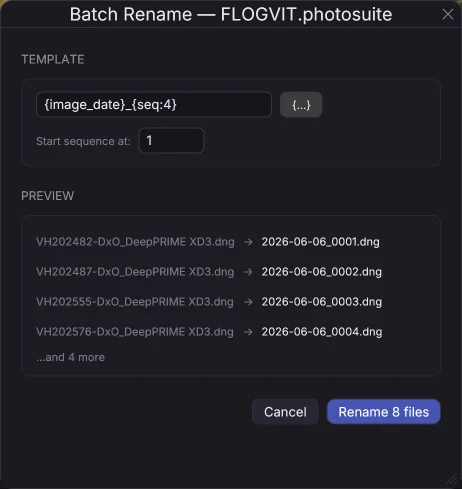
Batch Rename
Rename multiple files at once using template variables with XMP sidecar support.
Deliver
Get the pictures to the people who are waiting for them.
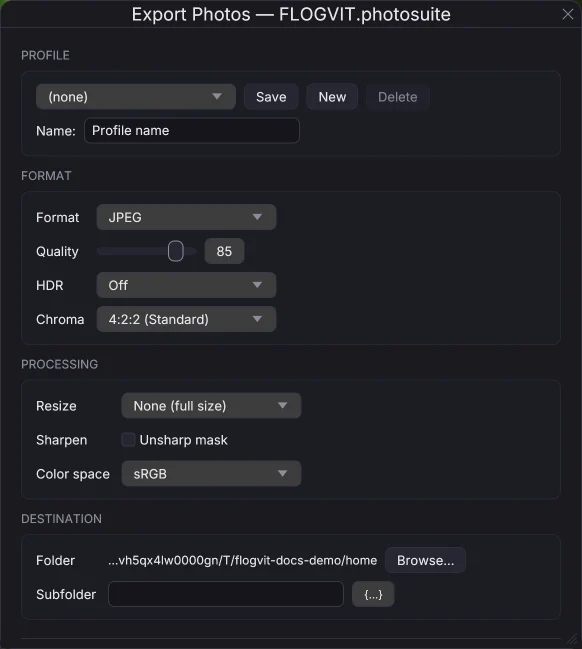
Export & Copy
Export images in various formats with control over quality, size, and metadata.
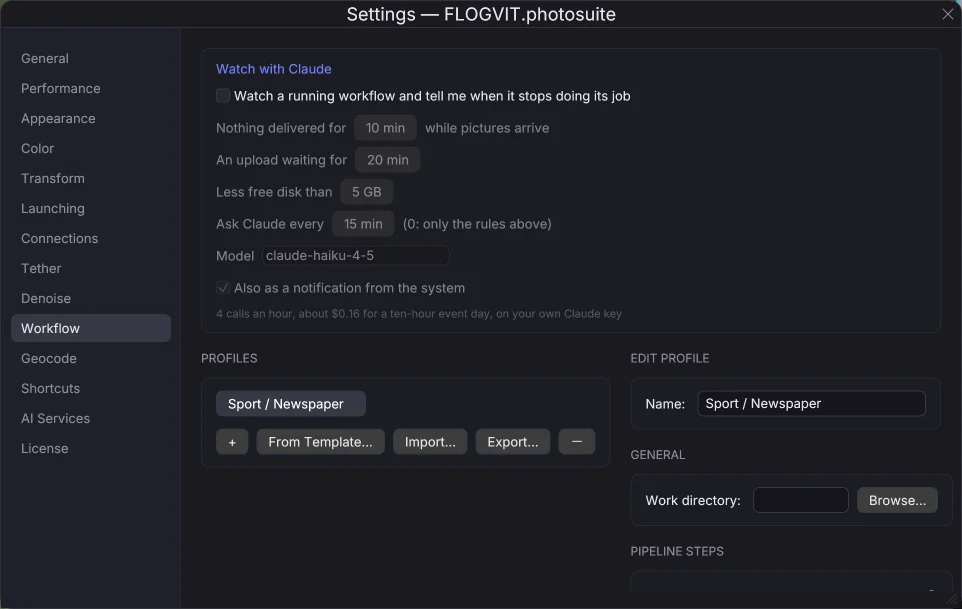
Workflows
Real-world scenarios: press, wedding, sports, studio, landscape, and API automation.
Race Numbers & Start Lists
Fetch the start list, read the race numbers, and name who is in each picture.
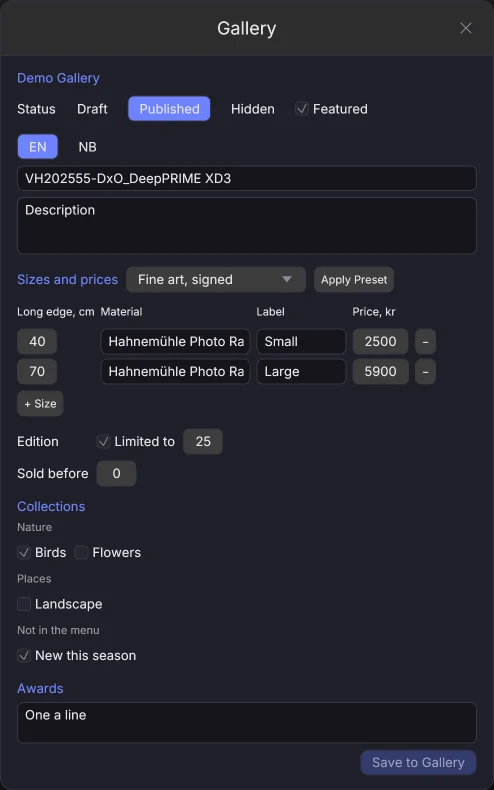
Your Gallery
Keep your gallery and print shop on gallery.flogvit.com from photosuite: pictures, texts, prices, editions and collections.
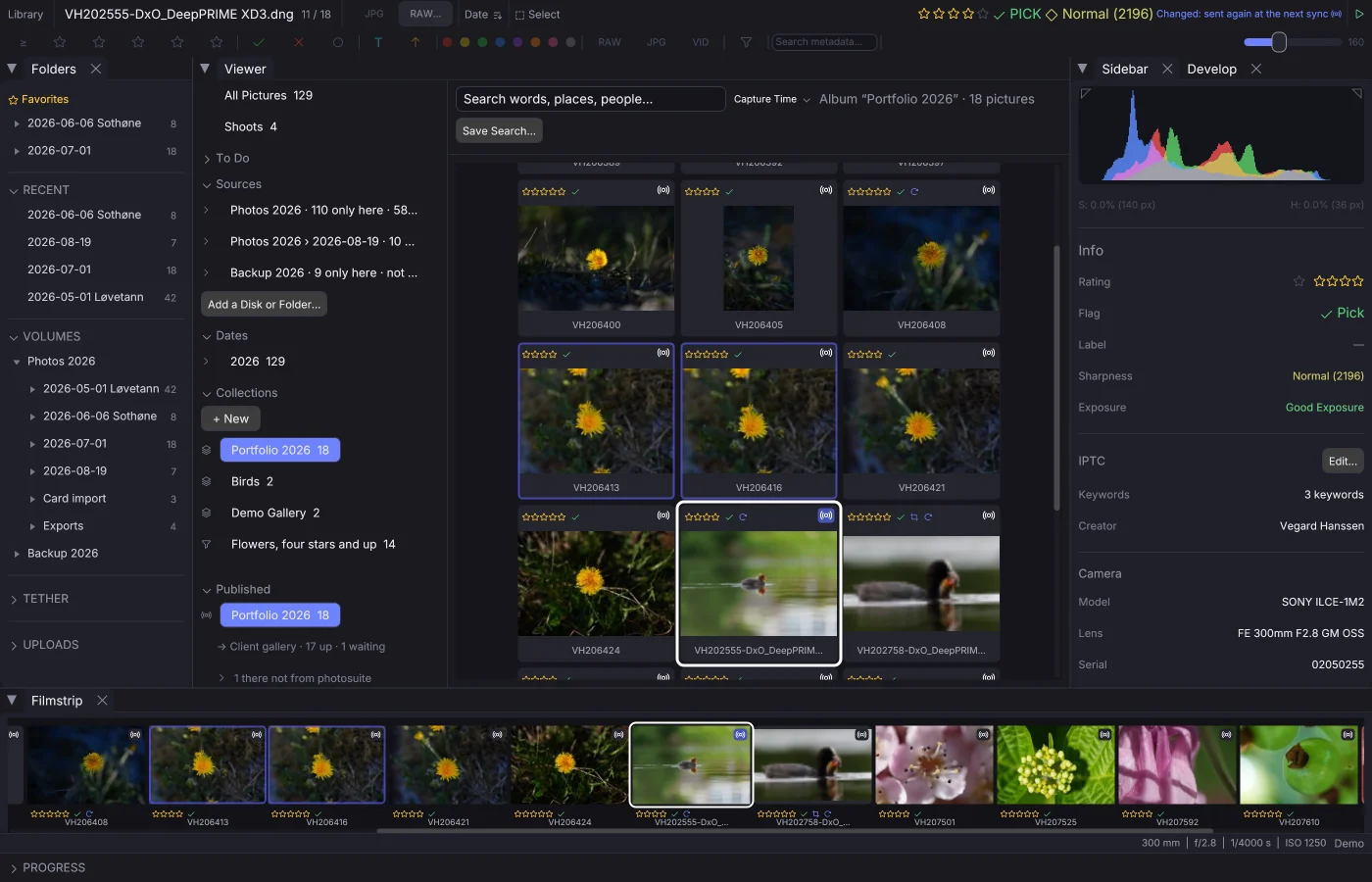
Publishing Albums
Keep an album on an event or in a folder: what you put in goes out, what you take out comes down, by itself.
Publishing to eventphotos
Publish an album to an event, where participants find and buy their pictures.
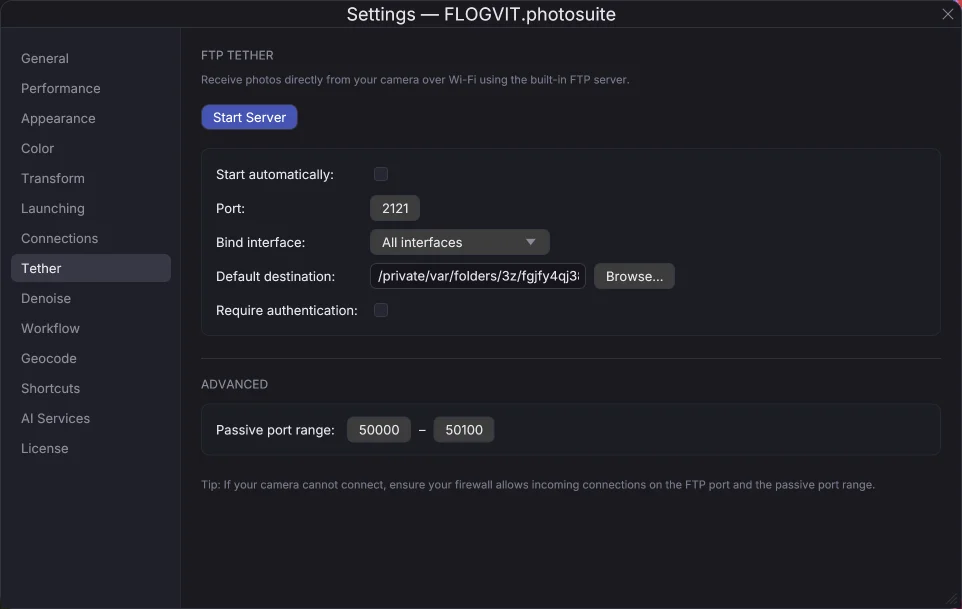
Tethered Shooting
The camera sends each frame to the app over FTP as you shoot.
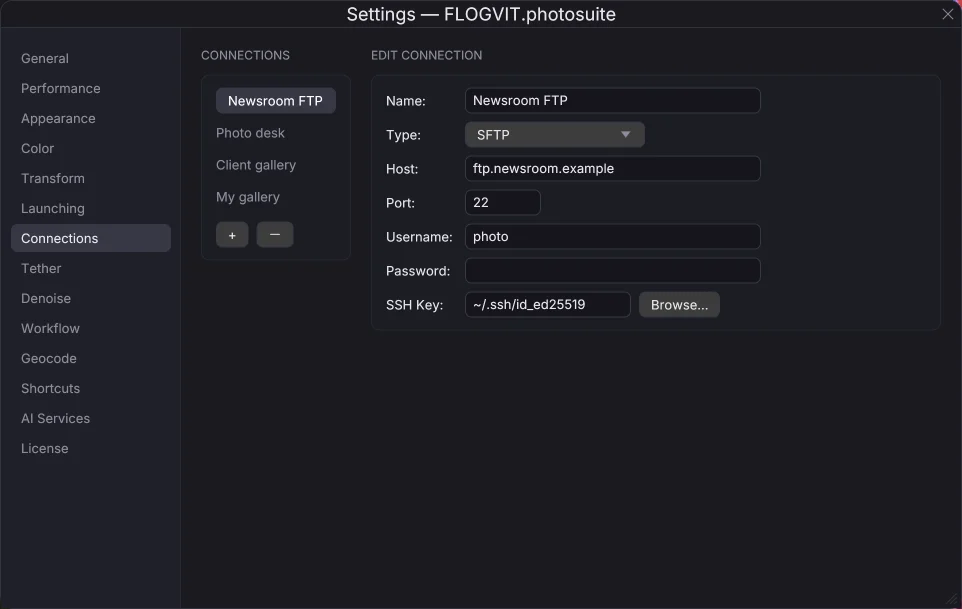
FTP Upload
One-key upload to FTP/FTPS/SFTP. Named profiles for multiple destinations.
Cloud Upload
Upload directly to S3, Dropbox, Google Drive, SmugMug, Flickr, and 70+ providers.
Automate
Drive the app from a script.
Help
Settings, problems, and telling us about them.