Your Gallery
Keep your gallery and print shop on gallery.flogvit.com from photosuite: pictures, texts, prices, editions and collections.
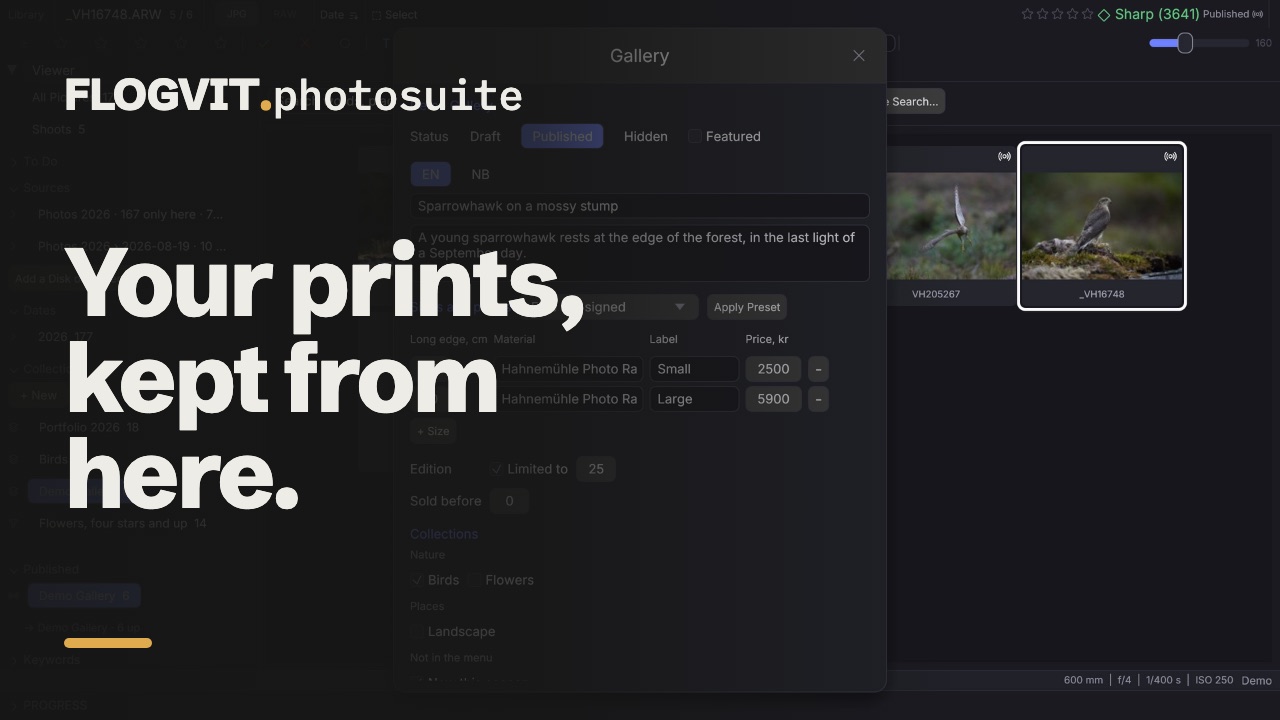 0:42
0:42Your gallery on gallery.flogvit.com — your own shop for prints — kept from photosuite: the pictures go out as you develop them, and what the gallery shows for each, from texts to prices, is set here.
Connect#
- In the gallery, open Studio → Apps, give the token a name, make it and copy it. It is shown once.
- In FLOGVIT.photosuite, open Settings → Connections, add a Gallery connection, and paste the token. The site is
https://gallery.flogvit.com. - In the Library, the Published section now offers the gallery: choose Open. That makes the album that is your gallery, and opens it.
What is in the gallery#
The album is the gallery. Every artwork in the gallery is in it: those you published from photosuite, and those you uploaded in a browser or brought over from Shopify, found in the library by when they were taken and their shape. An artwork with no picture found is listed under the album with the gallery's own thumbnail; Link… says which picture it is.
Each picture's mark in the grid says whether it is out there, waiting, sold, or failed, and the info bar says the same for the picture on screen.
Add pictures#
Select them and choose Gallery… in the picture menu (or Deliver → Gallery…), then Add to Gallery — or drag them onto the gallery's album. They go out within twenty seconds: drawn from the picture as you developed and cropped it, as a new draft with the picture's headline, caption and keywords as its first texts, and the gallery's default preset. Nothing is shown in the gallery until you set it to Published.
Edit a picture afterwards, and it is drawn again and sent over its artwork: the address stays the same.
Edit what the gallery shows#
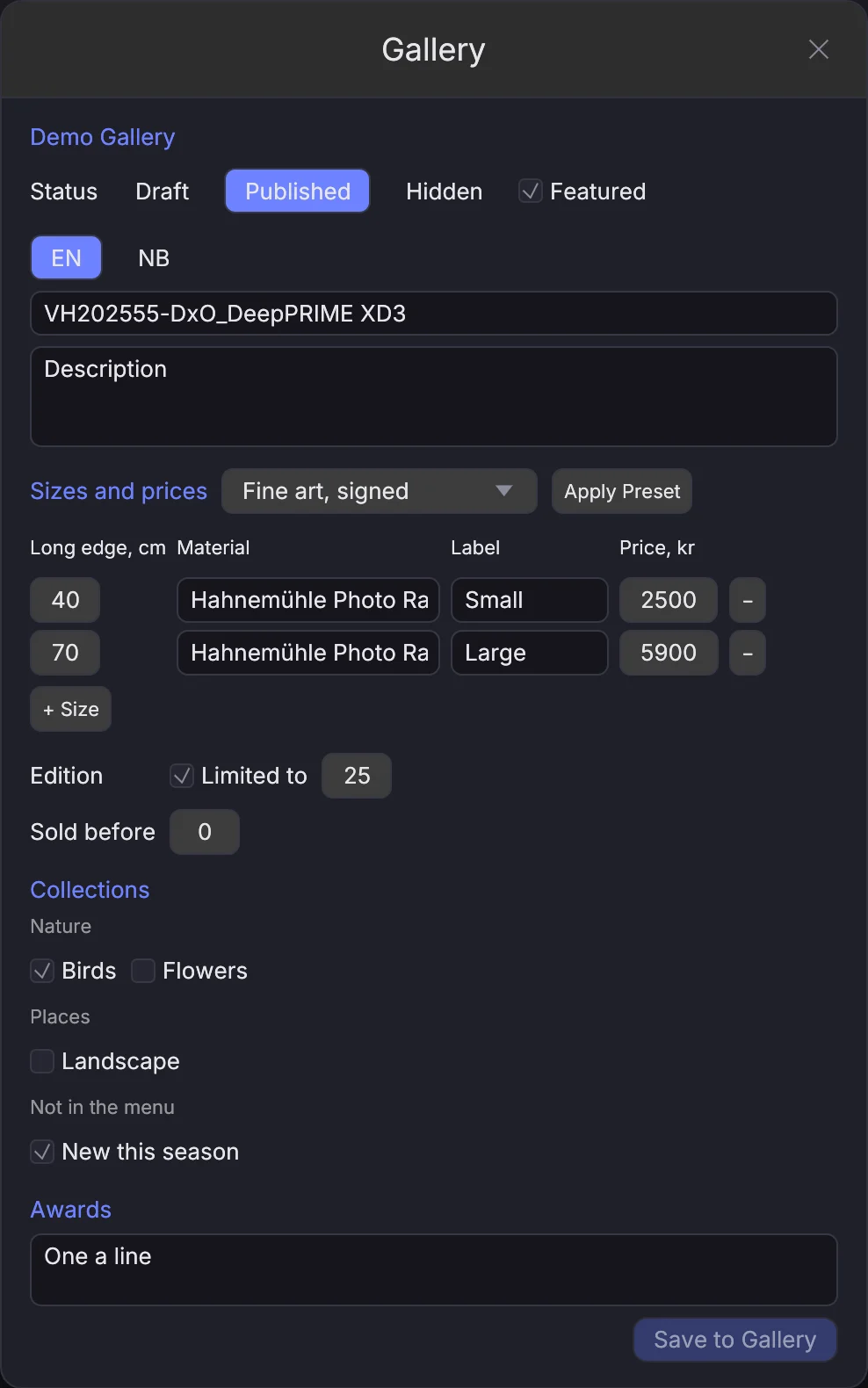
Gallery… opens the Gallery window on the picture on screen, or on the selection. For one picture:
- Status — Draft, Published or Hidden — and Featured.
- Title and description, one language at a time. A text a machine wrote says so; tick keep it as mine to take it as yours.
- Sizes and prices — a preset, or each size by hand: long edge, material, label and price.
- Edition — limited to a number, or open — and how many were sold before. Copies sold in the gallery are never changed from here.
- Collections, grouped as the gallery's menu groups them, and Awards, one a line.
Choose Save to Gallery. For several pictures, set a status or apply a preset to all of them at once.
Take a picture out#
Take it out of the album, and it is deleted from the gallery — or hidden, when a copy was sold there. Put it back, and it is shown again.
When something fails#
- The gallery did not accept the API token — make a new token in Studio → Apps and paste it in Settings → Connections.
- This account has no FLOGVIT.plus — the gallery is part of FLOGVIT.plus.
- Not enough storage left — make room in the gallery, or ask for more.
- The gallery refused the change — the window says what it refused, for example a price below zero; correct it and save again.
A sync that stopped is shown in the Published section with why; see Publishing Albums.
From a program#
The same is in the API (/api/gallery/*) and the SDK:
await client.gallery.add(['/Volumes/Photos/2026/IMG_0412.ARW'])

// Once it is out: publish it with the gallery's sizes and prices
const { artwork } = await client.gallery.artwork('/Volumes/Photos/2026/IMG_0412.ARW')
if (artwork) {
  await client.gallery.applyPreset('/Volumes/Photos/2026/IMG_0412.ARW', 1)
  await client.gallery.edit('/Volumes/Photos/2026/IMG_0412.ARW', {
    status: 'published',
    texts: { en: { title: 'Coot at dawn', description: 'Orrevatnet, June.' } },
  })
}