Reporting a Bug
Send a bug report or feedback from the app, with its log and a screenshot.
 0:37
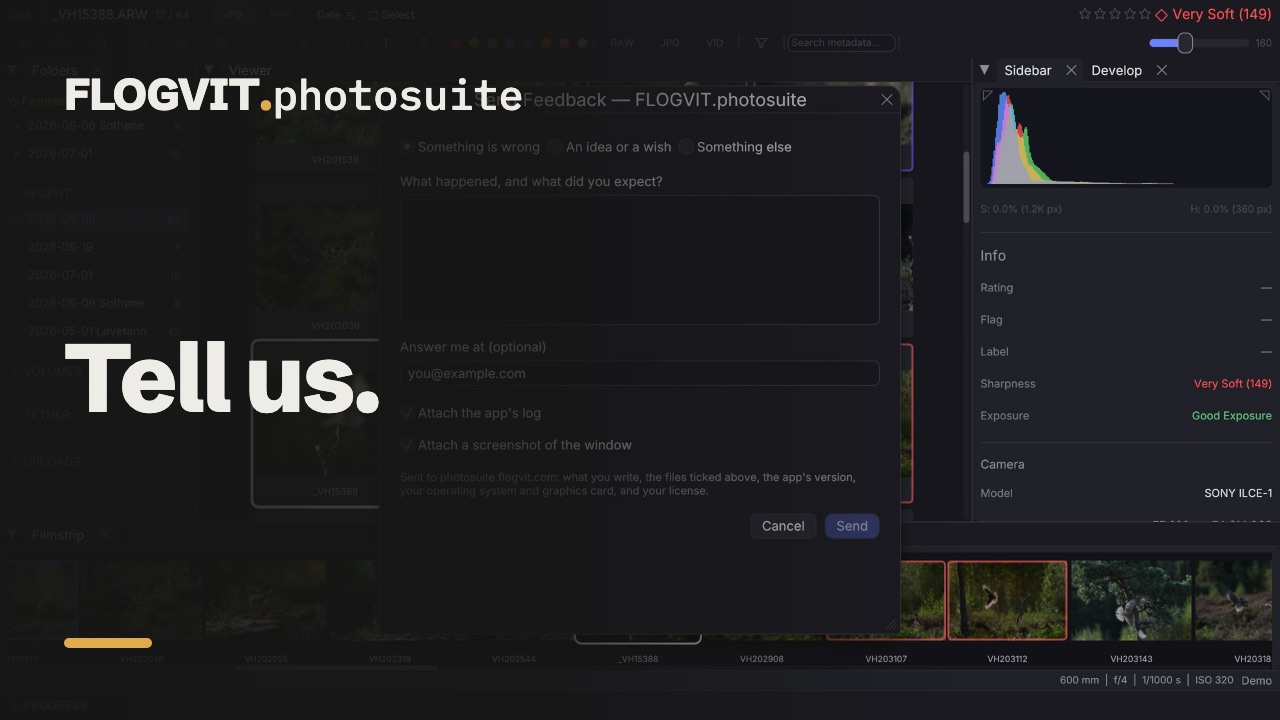
0:37Something wrong, missing, or simply better done another way? Tell us — every report is read.
From the app#
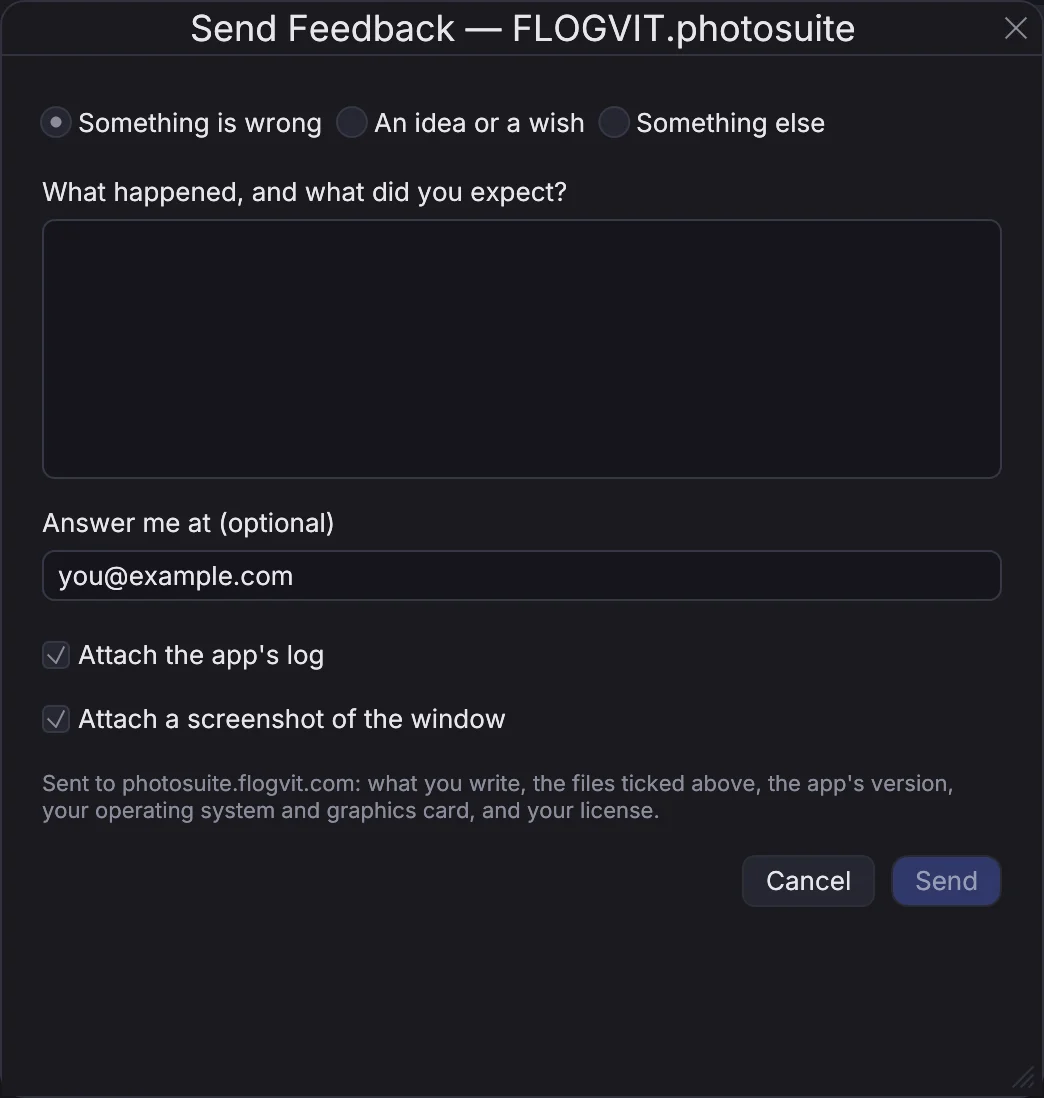
Choose Help → Send Feedback….
- Say what it is: something wrong, an idea, or something else.
- Write what happened and what you expected.
- Leave an e-mail address if you want an answer.
- Choose what goes with it. Ticked by default:
- the app's log — what the app was doing before the problem,
- the crash log, if the app has stopped unexpectedly,
- a screenshot of the window, taken just before the form opened.
The report goes to photosuite.flogvit.com with the app's version, your operating system and graphics card, and your license, so we know which computer and build it came from. Nothing else is sent, and nothing is sent until you choose Send.
After a crash#
If FLOGVIT.photosuite stopped unexpectedly the last time it ran, the form opens by itself when you start it again, with the crash log ticked. Each crash is offered once; choose Cancel to let it be.
From the website#
If the app will not start, use the feedback page (you need to be logged in). You can attach a screenshot or the log file yourself: Help → Show Log File in the app shows where it is, and it lives in ~/.culling/logs/photosuite.log.
What happens next#
Reports arrive in our queue. If you left an address, we answer there. Bugs we can reproduce become a fix in a later version — the app tells you when a newer version is out.