Settings
Configure cache, prefetch, keyboard shortcuts, labels, and more.
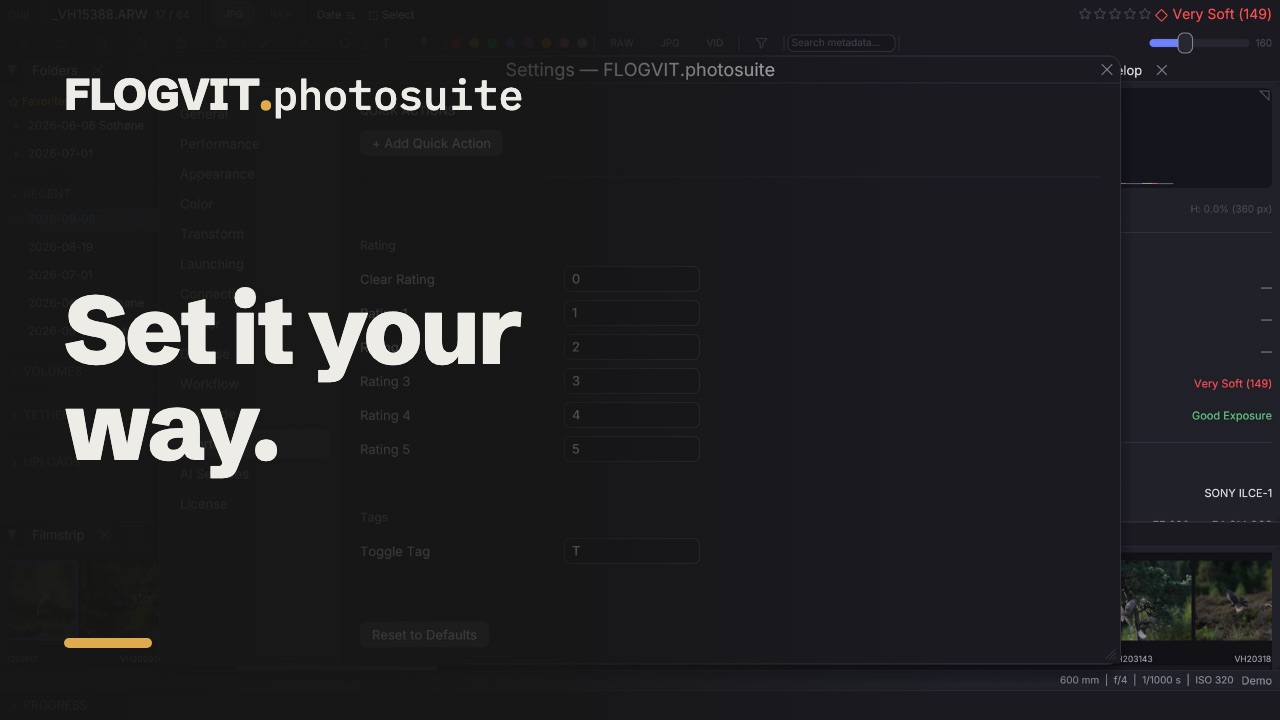 0:42
0:42Open settings with Cmd+,. The sections are listed down the left side; a change is saved as you make it.
General#
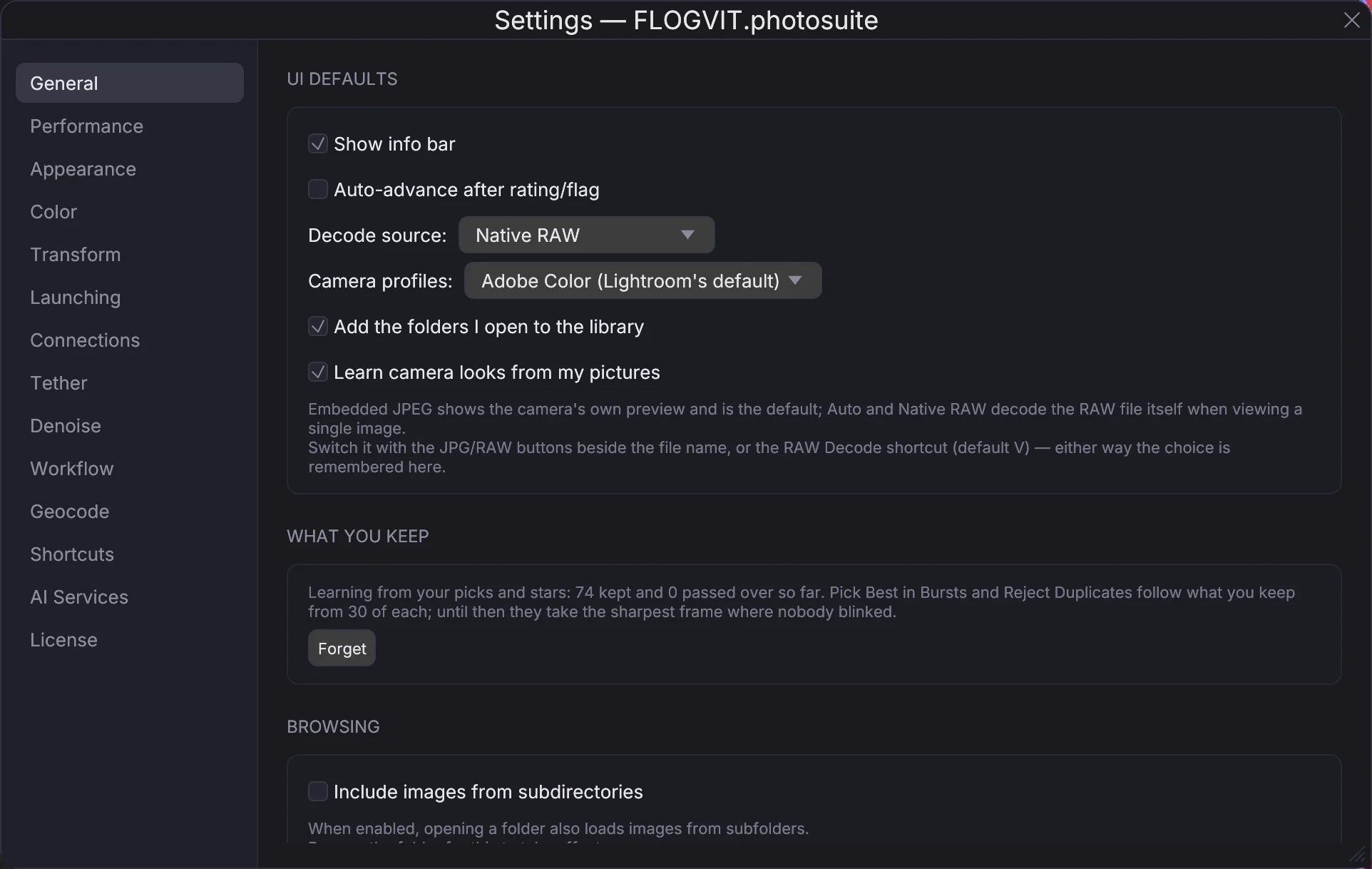
- UI defaults — the info bar, Auto-advance after rating/flag, Show (the camera preview, or developed from RAW) and the camera profiles, Use Lightroom's settings (off: pictures edited in Lightroom start from photosuite's own; see Coming from Lightroom), Add the folders I open to the library, Keep marks and edits in step with my other devices (stars, flags, labels, develop, crop and IPTC reach your other computers and phones through FLOGVIT.plus, and albums and saved searches reach your other computers, in the same collection sets; the last change to each wins, and earlier ones are kept. Where an album is published stays on the computer it was set up on, so two computers never publish the same album), and Learn camera looks from my pictures.
- What you keep — what the app has learnt from the pictures you keep, used to pick the best of a burst.
- Browsing — Include images from subdirectories when a folder is opened.
- Automation — Auto-rate on pick gives a picked picture a rating.
- Upload and Import — Auto-upload, and what happens when a memory card is inserted. See Import and FTP Upload.
- Default sort — the order and direction a folder opens in: filename, rating, file type, capture date or sharpness.
- Photographers — each camera's serial number with the photographer's name and credit line. See Metadata.
- Slideshow — seconds per picture.
- API server — turn the API on, its address, port and token. See the API.
- Settings — Export Settings... saves your settings to a file, and Import Settings... reads them back, on this computer or another.
Performance#
- Cache & prefetch — how many pictures are kept in memory, and how many are read ahead of and behind the one on screen.
- Disk cache — previews and metadata kept between visits, so a folder opens at once the next time: on or off, beside the pictures (Store cache locally in image folders) or in the app's own folder, its largest size and how many days an unused entry is kept. It shows its current size and can be cleared.
Appearance#
- Language — the language the app speaks: the system's (the first of its preferred languages the app has), or one of the eight the website has. It changes at once, menus included. What you write yourself (captions, keywords, album names), file names and the API stay as they are. On a Mac, the open and save panels and the menu items macOS adds itself follow from the next start.
- Theme — dark, medium grey, light, or as the system.
- Display — the font scale, panel opacity, the toolbar sections, and which exposure fields the info bar shows.
- Overlays — the focus peaking colour and threshold, the noise map's sensitivity, and the focus box's magnification and size.
- Color label names — rename the colour labels, for example "Red" to "Album" or "Blue" to "Blog". The names appear in the menus, the filter and the sidebar.
Color#
Color management on or off, the rendering intent, the display profile (the monitor's own, or a file), the profile for pictures that carry none, whether thumbnails are colour-managed, and Convert to sRGB on upload.
Transform#
The detector and the classes it finds, auto-crop's aspect ratio and padding, and what auto-crop has learnt from your crops, with Pause and Resume for a new crop model. See Auto-Crop.
Launching#
The external editors the app found, and which program opens each file type. See External Editor.
Connections#
FTP and SFTP servers, cloud services and eventphotos, each made once and used by uploads and workflows. See FTP Upload and Cloud Upload.
Tether#
The FTP server a camera sends its pictures to. See Tethering.
Denoise#
Profiles for the external denoise programs, and denoising pictures as you rate them. See Denoise Integration.
Geocode#
The place-name dataset that turns a position into a place, downloaded once and used on this computer. See Metadata.
Shortcuts#
Every action with its key, which you can change; click one to edit it. A combination already in use is refused. Reset to Defaults restores them all. Quick actions are your own keys that do several things at once — a flag, a rating, a tag, queue for upload, send to denoise, go to the next picture. See Keyboard Shortcuts.
License#
Your licence's status, the key, how long it is valid and how long it gets updates. See License.
AI Services#
Audio transcription (service, API key, where the text is saved, a language hint), the model that reads race numbers when you choose one, and the model and language for suggested captions and keywords. See Metadata.
Workflow#
The workflows: their steps, their work folder, and the templates to start one from. See Workflows.
Configuration Files#
All settings are stored in the settings folder, ~/Library/Application Support/flogvit/:
config.json— General settingskeybindings.json— Custom keyboard shortcutslabels.json— Color label namesconnection_profiles.json— Connections (FTP/SFTP servers and cloud services; passwords are in the system’s password store, Keychain on a Mac and Credential Manager on Windows, not in the file)favorites.json— Favorite foldersrecent.json— Recently opened folders